
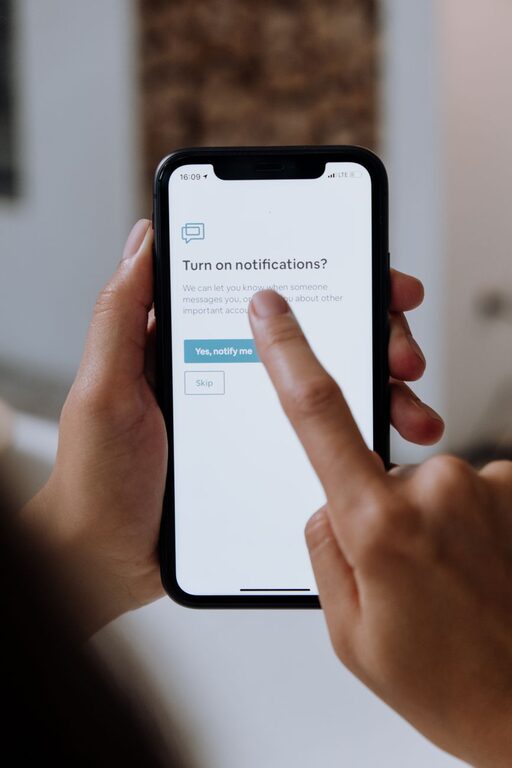
Tips for Setting Healthy Boundaries with Notifications
In today’s connected world, notifications from smartphones, computers, and apps can quickly become overwhelming. While notifications are helpful for staying informed, they can also disrupt your focus, increase stress, and reduce productivity. Setting boundaries with notifications is essential to maintaining a healthy digital lifestyle.
This guide provides clear, actionable tips to help you control your notifications and reclaim your time.
Why Setting Boundaries with Notifications Matters
Notifications are designed to grab your attention, sometimes constantly. When you receive too many alerts, it can lead to:
– Frequent interruptions that break your concentration
– Increased stress from feeling “always on”
– Difficulty completing tasks or enjoying downtime
– Poor sleep quality if notifications reach you late at night
By setting thoughtful boundaries, you can reduce distractions, improve productivity, and enjoy a better balance between work and personal life.
Step 1: Audit Your Notifications
Start by understanding which notifications you receive and whether they’re necessary.
How to audit your notifications:
– Go through your phone and computer settings
– List all apps or services sending notifications
– Identify which alerts are essential (e.g., calendar reminders, important messages)
– Mark non-essential or less important notifications for reduction or elimination
Regularly reviewing your notifications helps you stay in control of what demands your attention.
Step 2: Customize Notification Settings
Most devices offer options to tailor notifications to your preferences.
Key settings to adjust include:
– Turn off notifications for non-essential apps: Disable alerts from apps that aren’t critical to your daily tasks.
– Use “Do Not Disturb” modes: Schedule quiet hours, such as during meetings, focused work, or sleep time.
– Group notifications: Set apps to bundle alerts so you can review them all at once instead of getting constant interruptions.
– Prioritize important contacts: Allow notifications only from specific people or apps when necessary.
Customizing these settings helps reduce noise and focus your attention on what truly matters.
Step 3: Set Specific Times to Check Notifications
Instead of reacting immediately to every alert, create designated times to check your notifications.
Tips for managing notification checking:
– Check emails and messages during scheduled breaks or at set times
– Avoid keeping devices constantly in view to reduce temptation
– Use the “airplane mode” or turn off Wi-Fi during deep work periods
– Inform colleagues or contacts of your preferred availability times
Setting these boundaries supports sustained focus and reduces stress from constant interruptions.
Step 4: Use Technology Wisely
Leverage built-in tools and apps designed to help manage notifications.
Helpful features include:
– Focus modes: Many smartphones have modes that silence notifications except from selected contacts or apps.
– Notification summaries: Some devices compile less critical alerts into summary notifications delivered at specific times.
– Third-party apps: Explore apps designed to block distractions or schedule notifications as needed.
Embracing these tools can simplify managing your notification flow and boost your productivity.
Step 5: Communicate Your Boundaries
Let others know when and how you prefer to be contacted.
How to communicate boundaries effectively:
– Share your working hours and response expectations with coworkers or clients
– Set messaging app status messages indicating times when you’re unavailable
– Use email auto-responders during focused work or out-of-office periods
– Encourage others to use emergency contact methods only when necessary
Clear communication helps set realistic expectations and supports your boundaries.
Step 6: Reflect and Adjust Regularly
Digital habits change over time, so it’s important to revisit your notification settings periodically.
Reflection tips:
– Notice if you still feel overwhelmed or distracted
– Adjust notification settings based on new circumstances or priorities
– Experiment with different methods and tools to find what works best for you
Being flexible and intentional helps maintain a healthy notification balance.
Bonus Tips for Reducing Notification Overload
– Turn off sound and vibration: Use silent notifications instead of ringing or buzzing.
– Declutter your apps: Remove unused apps that send unnecessary alerts.
– Limit social media notifications: Disable “likes” and comment alerts to avoid constant checking.
– Practice mindfulness: Use moments of silence to check in with yourself rather than reacting to every alert.
Conclusion
Managing notifications effectively is a simple but powerful way to protect your focus, reduce stress, and create a healthier relationship with technology. By auditing your notifications, customizing settings, scheduling checks, using helpful tools, communicating boundaries, and reflecting regularly, you can enjoy greater control over your digital environment.
Start making small changes today to experience the benefits of setting healthy boundaries with notifications. Your time and peace of mind will thank you!
